Navigating the Build: My Journey into Solus Packaging

Over the past few weeks, I’ve embarked on a new technical challenge: learning the ropes of software packaging for Solus. If you’re unfamiliar, Solus is an independently developed Linux distribution known for its performance, stability, and its curated rolling-release model.
Why Solus? (The Arch Comparison)
I’ve used a lot of distributions, and I’ve come to a pretty firm conclusion: other than Arch Linux, Solus is easily one of the best distros available.
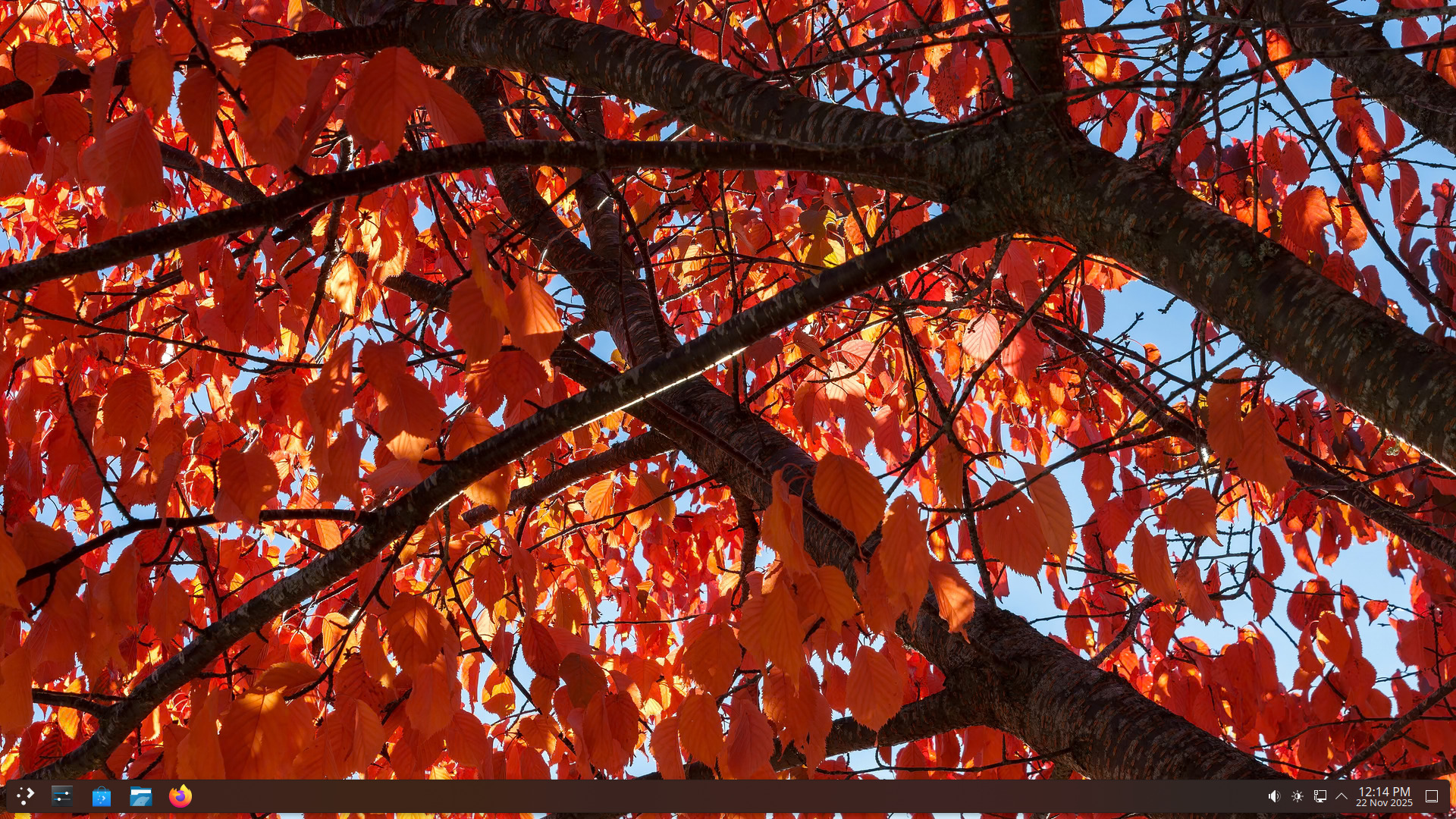
It hits a “sweet spot” that is hard to find. Like Arch, it is a rolling release that updates packages frequently, ensuring you always have the latest software. However, it is significantly easier to install and use than Arch. I personally use the Solus KDE Plasma edition, and the experience is incredibly polished. You get that bleeding-edge feel and fresh software without the manual “DIY” headache of a base Arch install. It’s powerful enough for enthusiasts but stable enough for a daily driver.
The Tooling: Getting to Know solbuild
Every distro has its own way of doing things. In Solus, the magic happens via a tool called solbuild.
The most important lesson I learned early on is that Solus uses a chroot isolation method. When you build a package, it doesn’t happen directly on your system where your personal files might interfere. Instead, solbuild creates a clean, “virgin” environment. This ensures that if the package builds for me, it will build for every other user too.
Learning the Language of package.yml
In some distributions, build recipes can be hundreds of lines of complex scripting. Solus uses a format called ypkg, which utilizes a package.yml file. The ypkg documentation has been an invaluable resource as I learn the format.
I’ve been learning how to define the essentials:
- Name and Version: The basics.
- Dependencies: This is where the real detective work happens. You have to figure out exactly which libraries (
rundeps) the software needs to run and which ones (builddeps) it needs just to compile. - The Build Stages: Understanding the difference between
setup(configuring),build(compiling), andinstall(organizing the final files).
The “Packager” Mindset
Becoming a packager has forced me to change how I look at software. I’m no longer just a user; I’m a maintainer. This means:
- Attention to Detail: A misplaced semicolon or a missing license file can break a build.
- Upstream Awareness: I’ve started following the “upstream” developers. If they release a security patch, it’s my job to make sure Solus users get it quickly.
- The Art of Debugging: Sometimes a build fails because a header file is missing. Learning how to read long build logs has become a daily ritual.
Wrapping Up
I’m still very much a beginner. My first few Pull Requests were full of “rookie mistakes,” but the Solus maintainers have been incredibly helpful in guiding me toward the “Solus Way” of doing things.
Learning to package isn’t just about Linux; it’s about understanding how software is structured and how to contribute back to an ecosystem I use every day. If you want a distro that stays updated like Arch but respects your time and offers a fantastic KDE experience, give Solus a try—and maybe try your hand at packaging, too! You can find the Solus project on GitHub and check out the packaging guide to get started.